 ultimate-guide
Benefits of Using a Digital Whiskey Cellar
Table of Contents
- Why Your Whiskey Collection Deserves a Digital Whiskey Cellar
- How a Whiskey Collection App Replaces Handwritten Records
- Building Your Bottle Catalog: What a Whiskey Inventory App Tracks
- Digital Whiskey Tasting Notes: Preserving Every Pour's Story
- Using a Whiskey Wishlist App to Discover and Plan Your Next Bottle
- Storage, Valuation, and Data Ownership: What to Look For
- Getting Started: Practical Steps to Digitize Your Collection
- Conclusion
- Frequently Asked Questions
Last Updated: October 13, 2026
Why Your Whiskey Collection Deserves a Digital Whiskey Cellar
A digital whiskey cellar is a searchable online record of every bottle you own, backed by tasting notes, purchase history, and storage locations. Its core benefit comes down to one word: retrieval.
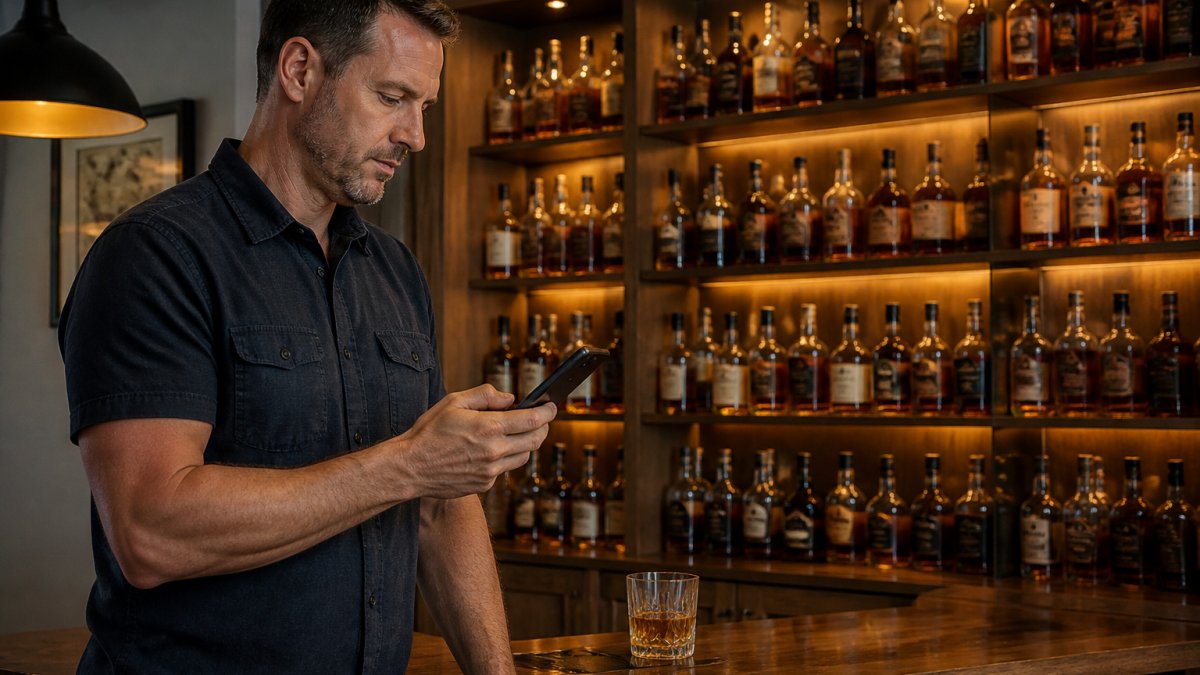
At Bourbon Tracker™, our platform helps you manage your collection. The bottle you swore you had is gone. The one you forgot about is still sealed behind three others. A digital cellar fixes that.
How a Whiskey Collection App Replaces Handwritten Records
A whiskey collection app replaces the notebook, spreadsheet, and shoebox of receipts with one searchable database that syncs across devices. A few minutes of setup buys you instant answers for years.
Handwritten records fail predictably: ink smears, pages run out, and you can't search them.
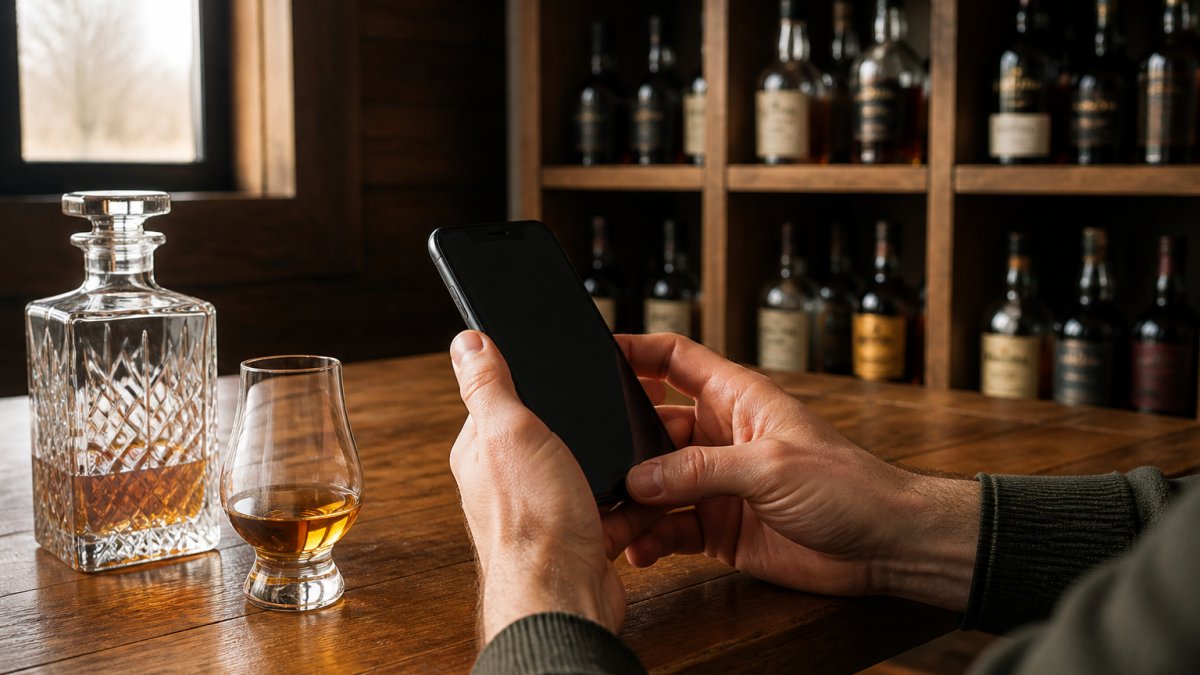
A mobile app solves the retrieval problem when it matters: check your inventory from the aisle, log a purchase before you leave the parking lot, and pull up tasting notes before you pour for guests.
Building Your Bottle Catalog: What a Whiskey Inventory App Tracks
A whiskey inventory app tracks the details that matter for decisions: name, distillery, proof, age, purchase date, price paid, storage location, and open or sealed status. Get those right at entry and the catalog answers almost any question later.
The fields that earn their place
- Bottle details: distillery, expression, proof, age statement, mash bill if known
- Purchase history: date, retailer, price paid, whether it was a store pick
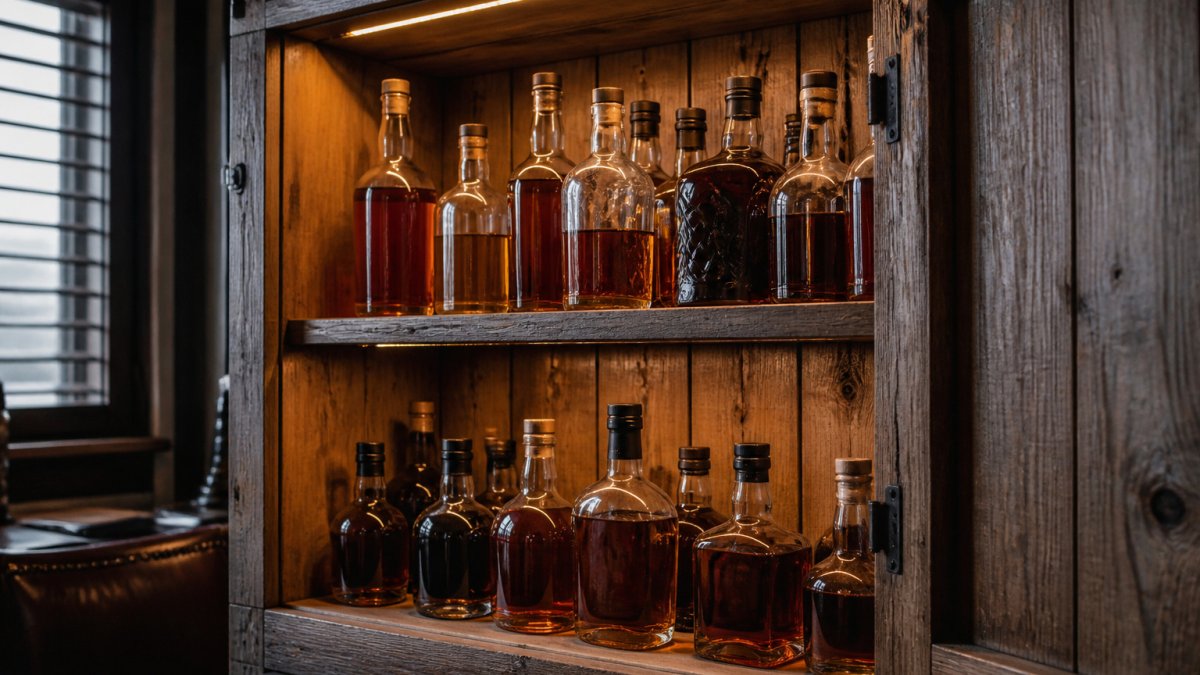
- Storage location: which shelf, cabinet, or off-site locker
A common mistake is logging only the name. Six months later you have three bottles called "Single Barrel" and no way to tell them apart. Distillery plus expression plus proof is the minimum that makes a record useful.
Why open/sealed status is the whiskey-specific field
Wine apps track vintage and drinking window; whiskey collectors need a live count of what is open, what is sealed, and how long each open bottle has been exposed to air. That field drives three decisions a generic app can't answer: Managing the oxidation levels of a prized collection requires precision that extends beyond digital tracking to the physical presentation of your spirits, where novelty bar accessories often serve to elevate the ritual of the pour.
- What should I pour tonight? Filter to open bottles, sorted by how long they've been open.
- What should I not open yet? Sealed bottles you're saving for an occasion stay sealed until you say otherwise.
- What am I about to waste? A bottle open 18 months at 20% fill is a candidate for a final pour, not a slow decline.
Handling duplicates and uncertain bottles
Real collections are messy: duplicates, faded labels, garage-sale finds with no paperwork. A few rules keep the catalog honest:
- Duplicates: log each bottle as its own entry, not a quantity field. Two bottles of the same expression can have different open dates, fill levels, and storage locations.
- Uncertain details: use a "verify later" tag rather than leaving fields blank. A tagged record is a to-do; a blank record is a dead end.
- Unknown provenance: note what you do know (where, when, from whom) and mark the rest as unknown. Do not guess at a distillery or age statement you can't confirm.
Migrating an existing collection
If you already have a notebook, spreadsheet, or shelf of unlogged bottles, you don't need to digitize everything at once. A staged approach works better:
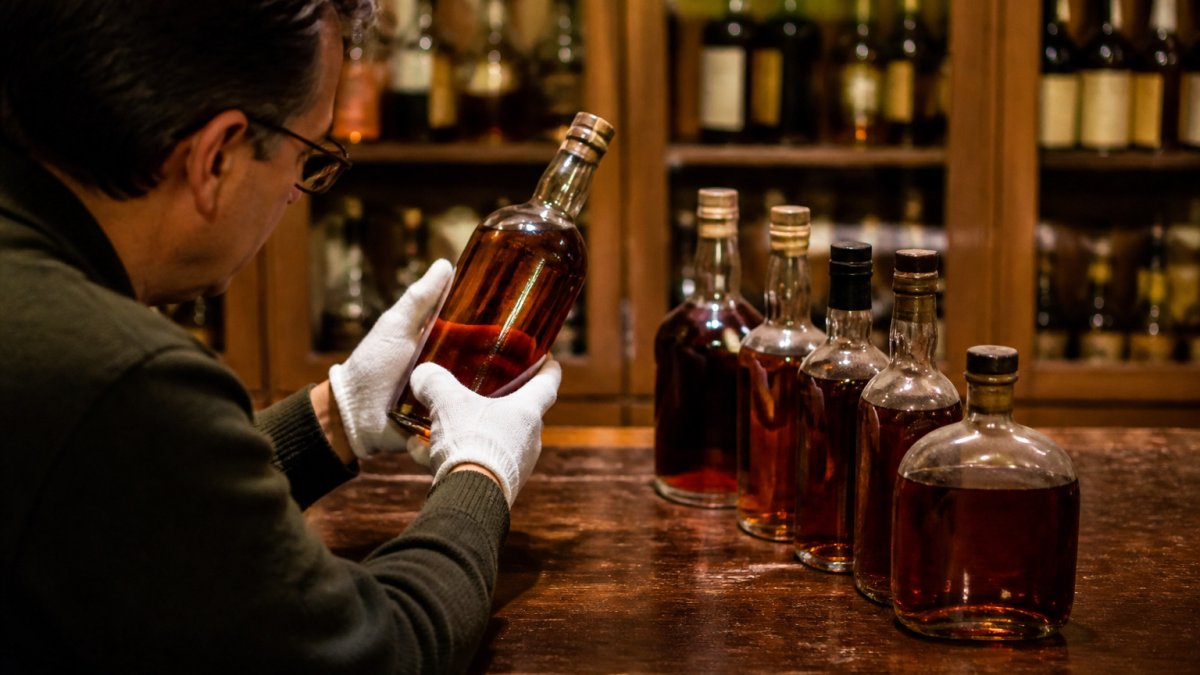
- Photograph every shelf before you touch a bottle. The photos become your checklist and your fallback if you get interrupted.
- Start with the bottles you care about most, the allocated ones, the open ones, the ones you'd be upset to lose track of.
- Log in batches of 10-20. Distillery, expression, proof, price, location, status. Skip anything you can't confirm and tag it for later.
- Add open dates and fill levels for anything already opened. This is the data that decays fastest if you don't capture it now.
- Reconcile against the photos at the end of each batch so nothing gets skipped.
- Set a rule: every new bottle gets logged the day it comes home, before it goes on the shelf.
The habit matters more than the tool. A collection app only works if the record stays current, and the collectors who stick with it are the ones who log at the point of purchase.
Digital Whiskey Tasting Notes: Preserving Every Pour's Story
Digital whiskey tasting notes capture what you tasted, when, and how the bottle changed over time. That last part is the one paper notes almost never record, and it's the most valuable.
Whiskey evolves after opening: a pour on day one tastes different three months later.
What to capture in each note:
- Nose, palate, finish: your own words, not borrowed ones
- Rating: a consistent scale you actually use
- Date and occasion: what you poured it for, who was there
Over a year, this becomes a personal map of your palate, which profiles you rate highly and which you keep trying to like.
Using a Whiskey Wishlist App to Discover and Plan Your Next Bottle
A whiskey wishlist app keeps your target bottles in one place, ranked by how much you want them, so you stop making impulse buys.
Most collectors keep a mental hunting list with a shelf life of about a week.
This is where AI-powered suggestions earn their place: Bourbon Tracker™ uses your logged tasting notes and ratings to suggest bottles fitting profiles you already enjoy.
A wishlist also protects your budget.
Storage, Valuation, and Data Ownership: What to Look For
Storage conditions, valuation, and data portability are the three things most collection apps handle badly, and the three that matter most over a decade of collecting. Choose software with all three in mind.
Storage conditions: what actually degrades a bottle
Whiskey is more forgiving than wine but not indestructible. Four variables matter, in order of impact:
- Light, especially UV. Direct sunlight and bright fluorescent light break down compounds in the liquid and fade labels. Store bottles in a closed cabinet or a dark corner, not on an open shelf under a window.
- Temperature stability. Whiskey does not need a wine-fridge 55°F. It does need to avoid swings. Repeated heating and cooling pushes liquid in and out of the cork, which accelerates evaporation and can pull in air. A closet that stays in the low-to-mid 60s to low 70s is fine; a garage that hits 95°F in July is not.
- Humidity. Very dry air shrinks corks and lets whiskey evaporate faster. Very humid air rusts caps and softens labels. A typical climate-controlled home sits in a range that works for both.
Opened bottles: the oxidation clock
Once a bottle is open, the countdown starts: oxidation is slow at first and accelerates as headspace grows. A common pattern:
- First 1-2 months: little perceptible change in most bottles.
- 3-6 months: subtle softening of sharp edges; some high-proof pours actually improve.
- 6-12 months: noticeable flattening in lighter, lower-proof whiskeys.
Practical responses: keep opened bottles sealed with their cork, consider inert gas sprays for special bottles you pour rarely, and use your digital cellar's open/sealed status and open-date field to see which bottles are approaching the danger zone. A cellar that flags "open 14 months, 30% remaining" is doing real work a notebook can't.
Valuation: track it like a record, not an appraisal
A digital cellar is the right place for purchase price, purchase date, and a periodic estimated value per bottle, but the wrong place to expect a precise market number. Secondary pricing moves with releases, distribution, and auction cycles, so any figure is a snapshot, not a fact.
A workable valuation workflow:
- Log price paid and date at entry. This is the only number you can know with certainty.
- Update estimated value once or twice a year, using a source you trust and noting the date you checked.
- Keep a running total so you can see the shape of your collection, how much is in everyday drinkers versus allocated bottles you may never open.
- Export the record for insurance purposes. Most homeowners policies have sublimits on collectibles; a dated, itemized list with purchase prices is what an adjuster will ask for after a fire, theft, or water damage.
Treat valuation as documentation, not speculation: know what you have and what it cost you, rather than day-trading bottles.
Data ownership: three questions before you commit
This is the one collectors ask about most, and rightly. Ask three questions before you commit your inventory to any platform:
| Question | Why It Matters |
|---|---|
| Can I export my full data? | Protects you if the app shuts down |
| Who can see my collection? | Your wishlist and notes are nobody's business |
| Is the platform still improving? | Dead apps strand your records |
Bourbon Tracker™ is free to use with no download required, and your collection stays yours.
Getting Started: Practical Steps to Digitize Your Collection
Digitizing a collection takes an afternoon, and you can do it in stages. Start with the bottles you care about most and let the rest follow.
- Pick your platform. Confirm it works in a browser, supports export, and lets you control who sees your data.
- Photograph your shelves first. A quick photo pass gives you a checklist so nothing gets skipped.
- Log your top 20 bottles. Distillery, expression, proof, price, location. Don't aim for perfection.
- Add tasting notes for anything you've opened. Even a one-line impression beats a blank field.
- Build your wishlist. Ten bottles is plenty to start.
- Set a weekly habit. Log new purchases the day you make them, not a month later.
The habit matters more than the tool. A collection app only works if the record stays current, and the collectors who stick with it are the ones who log at the point of purchase.
Conclusion
The hard part of collecting isn't buying bottles. It's knowing what you have, what it's worth to you, and what you actually want next. A handwritten list can't answer those questions, and memory answers them wrong.
Bourbon Tracker™ was built for exactly this. It's free, needs no download, keeps your tasting notes and wishlist organized, and uses AI-powered recommendations tuned to your palate rather than the crowd's.
Frequently Asked Questions
What is a digital whiskey cellar?
A digital whiskey cellar is an online or app-based system for cataloging your whiskey collection. Instead of paper notes or spreadsheets, you store bottle details, purchase history, tasting notes, and storage locations in a searchable database. Most digital cellars work on your phone, so you can check what you own while standing in a liquor store or update notes right after a pour.
Can a whiskey collection app help you discover bottles you might like?
Yes. Many whiskey collection apps include recommendation features that suggest bottles based on what you already own and how you rate them. Some use AI to analyze your tasting notes and preferences, then point you toward similar expressions or new distilleries you haven't tried. A whiskey wishlist app lets you save those suggestions so you remember them next time you're shopping.
What information should you record about each whiskey bottle?
At minimum, log the distillery, expression name, age statement, proof, and bottle size. Add the purchase date, price, and where you bought it for provenance. Note the storage location so you can find it later. Once you open the bottle, record tasting notes covering nose, palate, and finish. Photos of the label or bottle help with identification, especially for store picks or limited releases.
Is a digital whiskey cellar useful for a small collection?
It is. Even a 10-bottle collection benefits from digital tracking because you avoid buying duplicates and can remember what you liked. A whiskey inventory app also helps you plan purchases by showing gaps in your collection, like missing a rye or a high-proof bourbon. Starting digital early means your records grow with your collection instead of requiring a major catch-up effort later.
If your shelves have outgrown your memory, it's time for a system that keeps up. Bourbon Tracker™ gives you a free, no-download platform to log every bottle, track tasting notes, manage your wishlist, and get AI-powered suggestions built from your own ratings, all connected to a community of collectors who take the same things seriously.
Get started with Bourbon Tracker™ and finally know what's on your shelves.