 listicle
Best Whiskey Tracking Apps 2026
Table of Contents
- Quick Comparison: Top Whiskey Tracking Apps
- How to Catalog a Whiskey Collection
- Whiskey Tasting Notes Template and Best Practices
- Best Bourbon Inventory Management Software Reviewed
- What Makes a Whiskey Tracking App Worth Using
- Data Privacy and Collection Ownership
- Which App Should You Choose?
- Conclusion
Last Updated: August 30, 2026
Quick Comparison: Top Whiskey Tracking Apps
A whiskey tracking app is the difference between knowing what you own and guessing. The best whiskey tracking app 2026 depends on what matters most: inventory management, community interaction, tasting notes, or valuation tracking.
Quick Picks:
- Best Overall: Bourbon Tracker™, free, no download required, AI recommendations tailored to your palate
- Best for Community: Whiskey Social, live feed, bar check-ins, pure social drinking experience
- Best for Serious Collectors: Whiskey Shelf, inventory management, valuation tracking, Infinity Bottle support
- Best for Tasting Notes: Neat Notes, structured journal focus, palate development tracking
- Best for Extensive Database: WhiskeyMate, 300,000+ bottle entries, AI AppTender recommendations
- Best for Label Recognition: WhiskyVault, AI label scanner, collection analytics, Pro subscription available
How to Catalog a Whiskey Collection
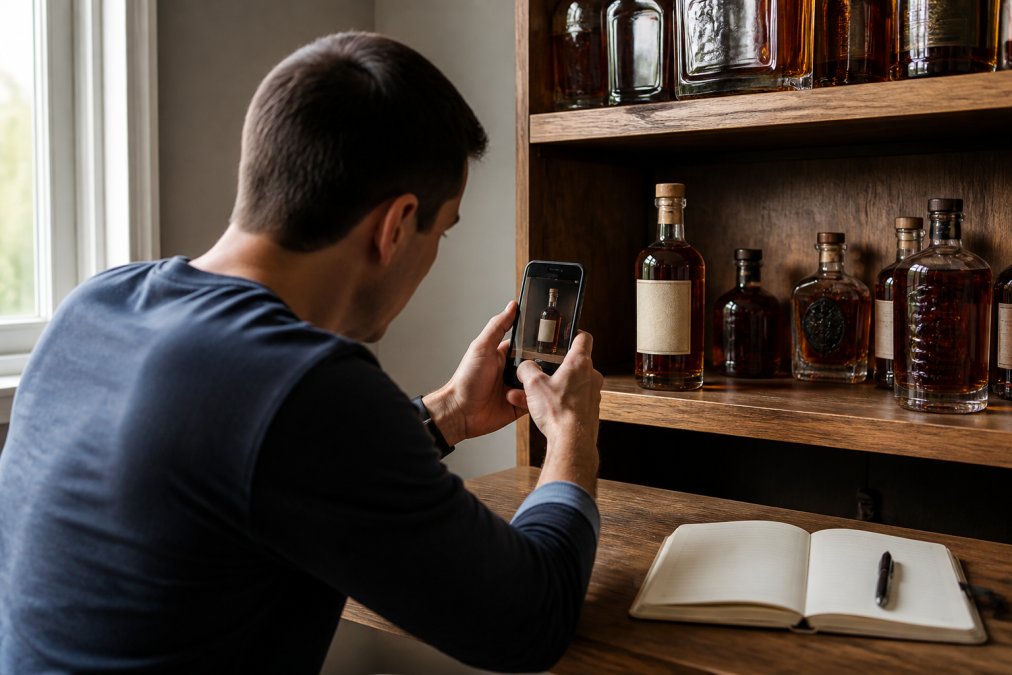
Cataloging your collection properly means you'll know what's on your shelf, what you're missing, and what you paid for it. Start by photographing each bottle and writing down key details: distillery, age statement, proof, release year, and purchase price. Most apps let you upload images directly for visual identification.
Use the app's barcode scanner if available. Apps like WhiskyVault and WhiskeyMate identify bottles instantly by scanning the label, cutting down manual data entry significantly. For rare releases without standard barcodes, type in details manually; most apps autocomplete from their spirit database.
Organize your collection by location: home bar, wine fridge, storage closet, or cellar. Some apps let you create custom categories. Finally, set up your wishlist in the same app. Tracking what you want to buy next keeps your collection strategy coherent and connects you to community recommendations.
Whiskey Tasting Notes Template and Best Practices
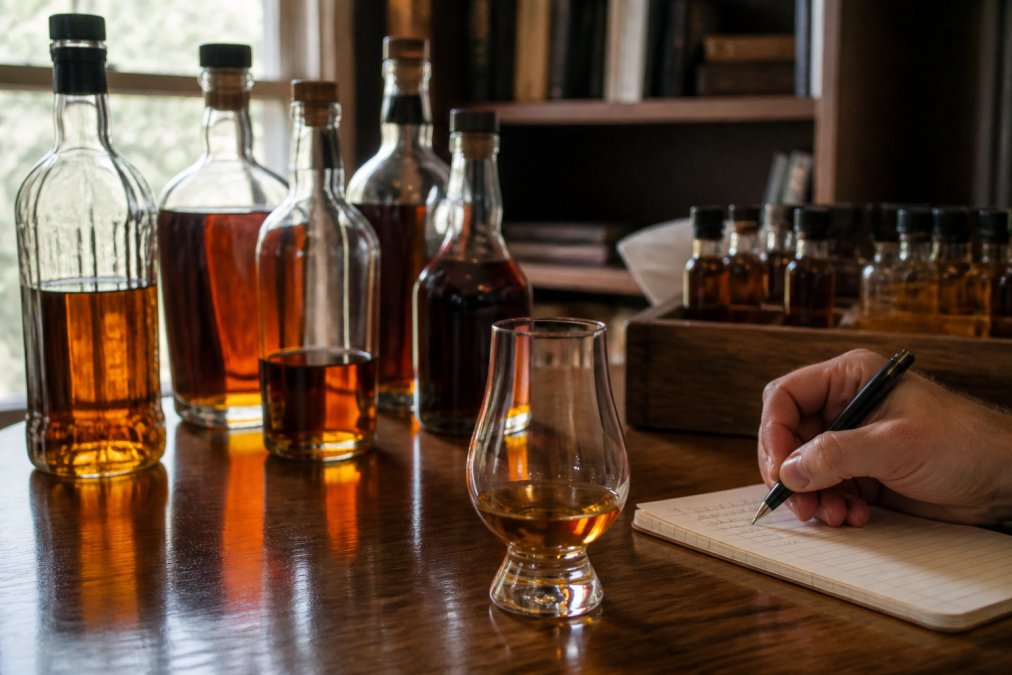
Documentation separates casual drinking from deliberate tasting. Use this structure for every bottle:
Appearance: Note the color (pale gold, amber, deep brown) and clarity. Swirl the glass and observe how the liquid coats the sides.
Nose: Smell from a distance first, then closer. Describe scents in categories: fruits (citrus, stone fruit, dried), spices (cinnamon, clove, black pepper), wood (oak, vanilla, char), or other (leather, tobacco, floral).
Palate: Take a small sip and let it coat your mouth. Note texture (smooth, warming, sharp), flavor progression, and finish length.
Overall Impression: Rate on your personal scale and write whether you'd buy it again.
Keep notes brief but specific. "Vanilla forward with black pepper heat that builds over 30 seconds" tells you exactly what to expect next time. After 20-30 tastings, you'll notice patterns in what you enjoy, saving money and time when shopping (peer-reviewed research).
Best Bourbon Inventory Management Software Reviewed
1. Bourbon Tracker™, Best Overall for Free, Community-Focused Management
Bourbon Tracker™ is a comprehensive, free digital platform for managing bourbon and whiskey collections. No download required, access it through your web browser from any device instantly.
The AI-powered recommendations engine learns your palate over time, suggesting new releases that match your taste profile. The bourbon community integration connects you to other enthusiasts discovering and discussing bottles in real time. Organize by location, track tasting history, manage your wishlist, and see what's trending in the community. All core features are free forever with no hidden premium tier.
Pros:
- Completely free with no paywalls on core features
- No download required; works on any browser and device
- AI recommendations tailored to your tasting preferences
- Strong community integration for sharing and discovering bottles
- Efficient collection tracking and wishlist management
Cons:
- Web-based access rather than native app experience
- Advanced analytics or valuation tracking not emphasized
2. Whiskey Social, Best for Community-First Tracking
Whiskey Social combines personal collection management with a live social feed showing what other drinkers are enjoying. Available on iOS and Google Play, it prioritizes the social side of whiskey. Check in at bars, see what's trending in your area, follow friends, and discover new venues through the community.
For serious collectors focused purely on inventory management, this app prioritizes social features over detailed cataloging. But if you enjoy sharing finds and discovering bottles through your network, Whiskey Social delivers.
Pros:
- Completely free on iOS and Android
- Live social feed creates real-time community engagement
- Bar and venue pages help discover new drinking spots
- Strong friend-following and sharing features
Cons:
- Still in early development with features rolling out over time
- Less emphasis on detailed inventory analytics or valuation tracking
3. Whiskey Shelf, Best for Valuation and Infinity Bottle Tracking
Whiskey Shelf is built for collectors who care about bottle valuation and Infinity Bottles (blended bottles you top up with new whiskeys over time).
The app tracks inventory across whiskey, tequila, rum, and other spirits. The standout feature is bottle valuation, Whiskey Shelf pulls market data to show what your collection is worth. Infinity Bottle management is unique here; you can track multiple blended bottles separately and log what you've added to each one. Responsive tech support helps you add bottles not yet in the database.
Pros:
- Comprehensive inventory tracking across multiple spirit types
- Unique Infinity Bottle management feature
- Bottle valuation shows current market worth
- Free tier covers basic tracking needs
- Responsive support for adding new bottles
Cons:
- Advanced reporting requires Premium subscription
- Social features are planned but not yet fully implemented
4. WhiskeyMate: Collect & Track, Best for Extensive Database and Visual Management
WhiskeyMate offers a database of over 300,000 bottle entries, making rare bottles, international releases, and small-batch offerings more likely to already exist in the system (peer-reviewed research). The app works on iOS with a focus on visual collection management.
AI AppTender suggests new bottles and pairings based on your collection. Barcode scanning and smart search make it fast to add bottles. The visual interface prioritizes photos of your collection, so browsing feels like looking at your actual shelf.
Pros:
- Massive database of 300,000+ bottle entries
- AI AppTender provides intelligent recommendations and pairings
- Barcode scanning and smart search speed up data entry
- Visually rich interface with bottle photography
Cons:
- Some advanced features require in-app purchases
- Primarily iOS-focused
5. WhiskyVault: Whiskey Journal / Bottle Tracker, Best for Label Scanning and Collection Analytics
WhiskyVault is built for whiskey enthusiasts who appreciate a refined interface. Available on iOS and Android, the AI label scanner is the headline feature, point your phone at a bottle's label and WhiskyVault identifies it instantly, pulling in tasting notes, distillery information, and community ratings.
The AI Whisky Mentor provides recommendations and detailed information about each bottle. Collection analytics show flavor profile trends, helping you understand your own preferences. The Pro subscription unlocks the full potential of scanning and the AI Mentor.
Pros:
- AI label scanner provides instant bottle identification
- Collection analytics reveal flavor profile trends
- AI Whisky Mentor delivers personalized recommendations
- Refined, elegant interface design
Cons:
- Key features require Pro subscription
- Free tier is limited compared to competitors
6. Neat Notes: Whiskey Journal, Best for Tasting Notes and Palate Development
Neat Notes is purpose-built for whiskey tasting journals. Available on Google Play and the App Store, it focuses on helping you understand your palate through detailed, structured tasting notes.
The app guides you through structured note-taking for different whiskey types and tracks your ratings over time to identify patterns in what you enjoy. Built by whiskey educators, the tasting framework is solid. The trade-off is limited collection management or social features.
Pros:
- Structured tasting notes help identify personal preferences
- Built by whiskey educators with sound tasting methodology
- Clean, intuitive interface focused on the tasting experience
- Free to use with no premium tier
- Helps you understand why you enjoy specific whiskeys
Cons:
- Limited collection management features
- No social features or community integration
- Less emphasis on inventory tracking for large collections
What Makes a Whiskey Tracking App Worth Using
A whiskey tracking app saves time and money by eliminating duplicate purchases, helping you discover bottles that match your palate, and keeping your collection organized. Without a system, you'll forget what you own and miss opportunities to try new releases that fit your taste profile.
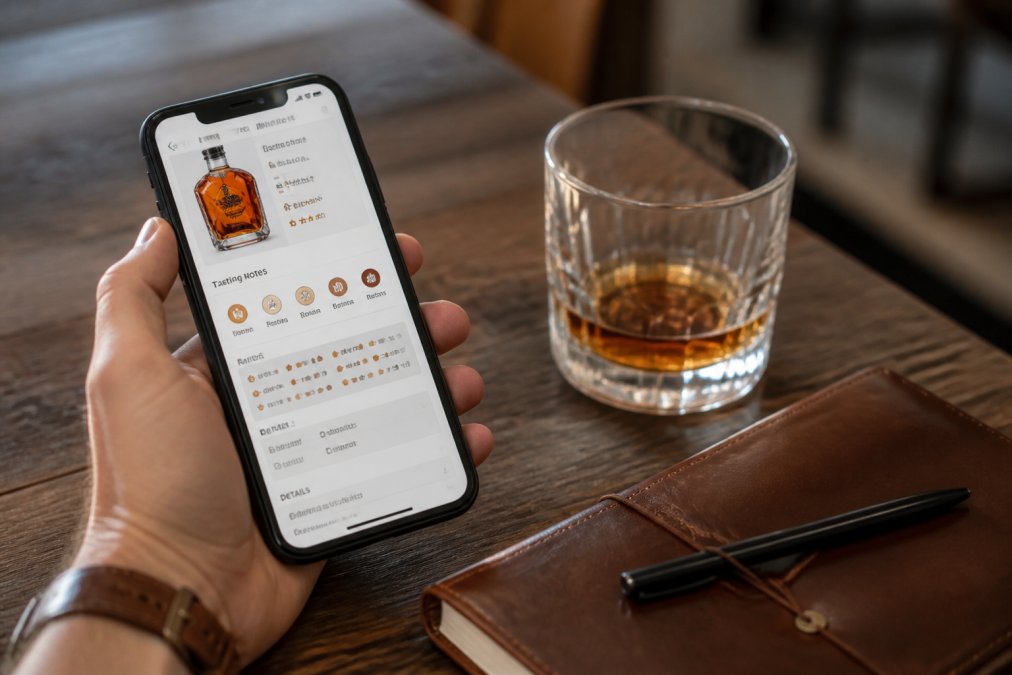
The best app should handle large collections without slowing down. If you have 150+ bottles, the app needs to search and filter efficiently (the NIH). Community features matter if you enjoy discovering bottles through other enthusiasts. Tasting note templates matter if you're serious about developing your palate, structured templates push you to notice details you'd otherwise overlook.
AI recommendations are useful only if the algorithm understands your preferences. Apps that learn from your ratings adapt to your palate over time. Apps that just suggest trending bottles aren't adding much value.
Data Privacy and Collection Ownership
Your collection data is sensitive. A wishlist showing rare bottles you're hunting for, tasting notes revealing your preferences, and valuation information all represent personal information you should control.
Look for apps that let you keep your collection private by default. Bourbon Tracker™ prioritizes data ownership, your collection stays yours, and you control who sees what. The free model means there's no financial incentive to monetize your data.
Understand the app's backup and export policy. If the platform shuts down or you want to switch apps, can you export your collection data? Some apps lock your data in proprietary formats; others provide CSV or JSON exports, giving you portability.
Which App Should You Choose?
Start with your primary use case. If you want free, community-driven collection management with AI recommendations and no download required, Bourbon Tracker™ is the clear choice. If community interaction is your priority, Whiskey Social delivers the live feed. If valuation and Infinity Bottle tracking matter, Whiskey Shelf is built for that. If tasting notes and palate development are your focus, Neat Notes is purpose-built for it.
| App | Best For | Free Tier | Key Feature | Download Required |
|---|---|---|---|---|
| Bourbon Tracker™ | Community-driven management | Yes, full access | AI recommendations | No |
| Whiskey Social | Social discovery | Yes, full access | Live community feed | Yes (iOS/Android) |
| Whiskey Shelf | Valuation tracking | Yes, basic features | Infinity Bottle management | Yes (iOS/Android) |
| WhiskeyMate | Extensive database | Yes, with in-app purchases | 300K+ bottle database | Yes (iOS) |
| WhiskyVault | Label scanning | Limited free tier | AI label scanner | Yes (iOS/Android) |
| Neat Notes | Tasting journal | Yes, full access | Structured tasting notes | Yes (iOS/Android) |
Consider whether you need a native app or if web-based access is sufficient. Test the interface with your actual collection. A tool you'll actually use beats a feature-rich app you avoid.
Frequently Asked Questions
What is the best whiskey tracking app?
The best whiskey tracking app depends on your priorities. If you want AI-powered recommendations and community features, Bourbon Tracker offers both free with no download required. For detailed tasting notes and analytics, WhiskyVault provides AI-assisted label scanning and flavor profile tracking. Whiskey Social excels if you prioritize social engagement and discovering bars. Choose based on whether you value inventory management, tasting journaling, community features, or barcode scanning capabilities.
How do I catalog a whiskey collection effectively?
Start by photographing each bottle and recording its name, distillery, age statement, and proof. Use your chosen whiskey tracking app to enter this information, either manually or via barcode scanning if available. Organize bottles by category (bourbon, rye, Scotch) or storage location. Add tasting notes after trying each whiskey, including flavor notes, finish, and personal rating. Regular updates help you track what you've opened versus what remains sealed, and flag bottles for future tastings or trades.
Can whiskey tracking apps handle large collections without slowing down?
Most modern whiskey tracking apps handle collections of 150+ bottles without performance issues. Cloud-based platforms like Bourbon Tracker and WhiskyVault sync across devices without lag. Apps with extensive databases (WhiskeyMate supports 300,000+ entries) are optimized for search and filtering. However, performance depends on your device and internet connection. Test the app with 20-30 bottles first to ensure it meets your speed expectations before logging your entire collection.
What should a whiskey tasting notes template include?
A solid tasting notes template captures: bottle name, distillery, age, proof, nose (initial aromas), palate (flavor progression), finish (lingering tastes), and overall rating. Add optional fields for color, mouthfeel, cask type, and price paid. Include a space for context (where you tasted it, who you tasted with). Most whiskey tracking apps provide structured templates that guide you through these elements, making it easier to build a consistent tasting journal over time and identify patterns in your preferences.
Is data privacy a concern with whiskey tracking apps?
Data privacy varies by app. Most free whiskey tracking platforms store your collection data on their servers. Check each app's privacy policy to understand whether your tasting notes, wishlist, and collection details are encrypted, shared with third parties, or visible only to you. Some apps offer offline functionality or export options for backup control. Before committing your entire collection to any platform, verify that the app's privacy practices align with your comfort level regarding personal collection data.
The best whiskey tracking app is the one you'll actually use consistently. If you're looking for a free, no-download platform that combines inventory management, AI recommendations, and community features, Bourbon Tracker™ delivers all three without paywalls or friction. Track your collection, log your tastings, and discover new bottles tailored to your palate, all free, forever. Track My Collection and start organizing your bottles today.
This article was written using GrandRanker
Frequently Asked Questions
What is the best whiskey tracking app?
The best whiskey tracking app depends on your priorities. If you want AI-powered recommendations and community features, Bourbon Tracker offers both free with no download required. For detailed tasting notes and analytics, WhiskyVault provides AI-assisted label scanning and flavor profile tracking. Whiskey Social excels if you prioritize social engagement and discovering bars. Choose based on whether you value inventory management, tasting journaling, community features, or barcode scanning capabilities.
How do I catalog a whiskey collection effectively?
Start by photographing each bottle and recording its name, distillery, age statement, and proof. Use your chosen whiskey tracking app to enter this information, either manually or via barcode scanning if available. Organize bottles by category (bourbon, rye, Scotch) or storage location. Add tasting notes after trying each whiskey, including flavor notes, finish, and personal rating. Regular updates help you track what you've opened versus what remains sealed, and flag bottles for future tastings or trades.
Can whiskey tracking apps handle large collections without slowing down?
Most modern whiskey tracking apps handle collections of 150+ bottles without performance issues. Cloud-based platforms like Bourbon Tracker and WhiskyVault sync across devices without lag. Apps with extensive databases (WhiskeyMate supports 300,000+ entries) are optimized for search and filtering. However, performance depends on your device and internet connection. Test the app with 20-30 bottles first to ensure it meets your speed expectations before logging your entire collection.
What should a whiskey tasting notes template include?
A solid tasting notes template captures: bottle name, distillery, age, proof, nose (initial aromas), palate (flavor progression), finish (lingering tastes), and overall rating. Add optional fields for color, mouthfeel, cask type, and price paid. Include a space for context (where you tasted it, who you tasted with). Most whiskey tracking apps provide structured templates that guide you through these elements, making it easier to build a consistent tasting journal over time and identify patterns in your preferences.
Is data privacy a concern with whiskey tracking apps?
Data privacy varies by app. Most free whiskey tracking platforms store your collection data on their servers. Check each app's privacy policy to understand whether your tasting notes, wishlist, and collection details are encrypted, shared with third parties, or visible only to you. Some apps offer offline functionality or export options for backup control. Before committing your entire collection to any platform, verify that the app's privacy practices align with your comfort level regarding personal collection data.