 how-to
Best Methods for Cataloging Rare Whiskey Bottles
Table of Contents
- Why Proper Cataloging Matters for Your Whiskey Collection
- Digital vs. Analog Cataloging Tools
- Best Apps for Tracking Bourbon Collections
- How to Document Whiskey Tasting Notes
- Building a Whiskey Inventory Spreadsheet Template
- Essential Data Points for Whiskey Records
- Authentication, Storage, and Insurance Documentation
- Conclusion
- Frequently Asked Questions
Last Updated: September 19, 2026
Why Proper Cataloging Matters for Your Whiskey Collection
A well-organized whiskey collection isn't just about knowing what you own. It's about protecting your investment, discovering new bottles that match your palate, and building a record that matters if something happens to your collection.
Many collectors start with a simple list. Then their collection grows to 50 bottles, then 100, then 150. At that point, a list becomes useless. You can't search it. You can't track which bottles you've opened. You can't remember the tasting notes from that rare bourbon you tried last year. You definitely can't prove to an insurance company what you own if disaster strikes.
This is where cataloging rare whiskey bottles becomes essential. The difference between a collector who knows their inventory and one who doesn't often comes down to one thing: a system. Not an expensive system. Not a complicated one. Just a consistent method for recording what you have, where it is, and what it's worth.
Below, we'll walk you through the best methods for cataloging rare whiskey bottles so you can build a system that actually works.
Digital vs. Analog Cataloging Tools
The core choice comes down to this: do you want your collection data stored on a device or in a physical notebook?
Digital cataloging means your data lives in an app or spreadsheet. You access it from your phone, tablet, or computer. You can search instantly. You can back it up to the cloud. You can share it with other collectors. Digital systems scale. A 200-bottle collection is as easy to manage as a 20-bottle one.
Analog cataloging means handwritten records in a physical journal. No batteries. No passwords. No worrying about a service shutting down. A notebook from 1995 is still readable today. But a notebook with 150 bottles? Searching it takes time. Updating it is messy. Sharing it with your insurance agent means scanning pages.
For most collectors, digital wins. It handles large collections better. It lets you add photos, track prices, and organize by distillery or age statement. But if you're a traditionalist or you have fewer than 30 bottles, a quality notebook like a Moleskine can work fine.
The real answer: pick one method and commit to it. Switching systems halfway through creates chaos. A mediocre system you actually use beats a perfect system you abandon after three weeks.
Best Apps for Tracking Bourbon Collections
Bourbon Tracker™ stands out as the top choice for managing your whiskey inventory. It's free, requires no download, and lets you log tasting notes, build a wishlist, and get AI-powered recommendations tailored to your palate. The platform connects you with a broader bourbon community, making it easy to discover new bottles and track your collection from any device.
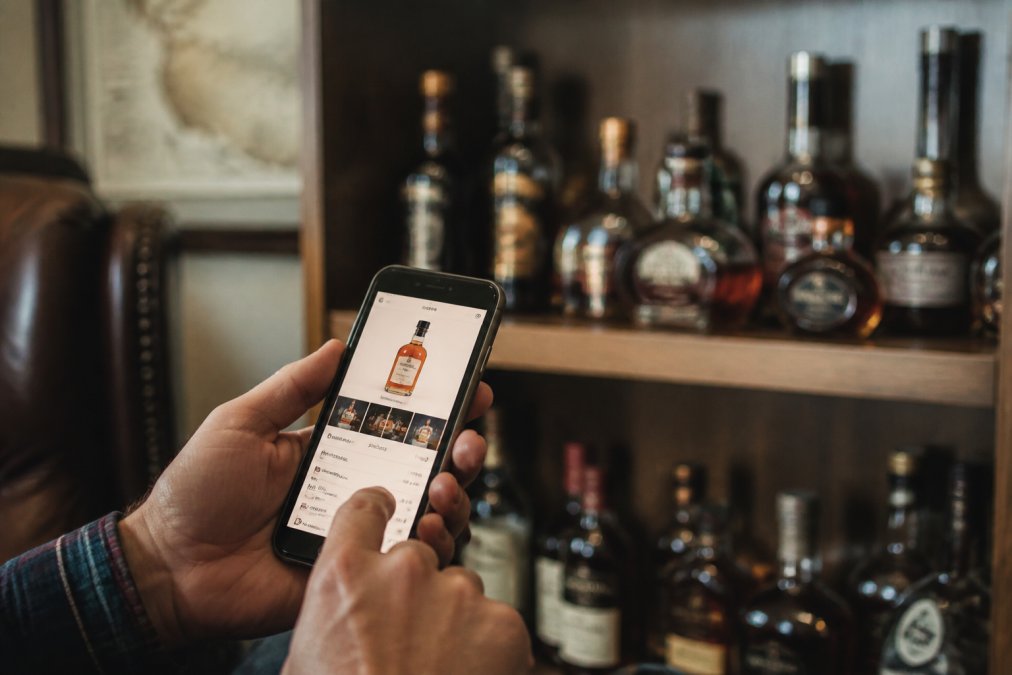
Beyond Bourbon Tracker™, several other tools serve different needs:
BoozApp excels at price tracking. If you're shopping and want to verify whether you're paying fair market value, BoozApp pulls real-time MSRP data and secondary market pricing. It's free with a community-driven database. The downside: it focuses on pricing, not deep inventory management.
Whiskey Searcher is built for collectors tracking rare bottle valuations. It has the deepest historical pricing database available. If you need to establish market value for insurance or investment purposes, this tool delivers. The interface can feel overwhelming for casual users, but serious collectors appreciate the depth.
Google Sheets costs nothing and works from any device. You build your own template, add columns for distillery, age, cask strength, batch number, and tasting notes. It's fully customizable and syncs across devices. The catch: you're entering everything manually, and it lacks whiskey-specific features like label scanning or automated recommendations.
Notion appeals to collectors who want their database to look beautiful. You can add photos of bottle labels, link tasting notes to specific bottles, and organize by distillery or vintage liquor type. It has a steeper learning curve to set up, but once configured, it's powerful and visually appealing.
Airtable is for advanced collectors with large inventories. It lets you build relational databases, linking bottles to distilleries, tracking allocated releases, and automating workflows. It's overkill for small collections but shines when you're managing 200+ bottles with complex relationships.
The choice depends on your collection size and what matters most. Need simplicity? Bourbon Tracker™ or a spreadsheet. Need pricing data? Consider tools focused on market value. Need a beautiful, organized database? There are many options available.
How to Document Whiskey Tasting Notes
Tasting notes turn your collection from a list into a record of your palate. When you taste a whiskey, you're creating data about what you like. That data becomes valuable when you're deciding whether to buy a similar bottle or exploring new releases.
Start simple. After you open a bottle, spend five minutes answering these questions:
- What do you smell? Describe the nose. Is it fruity, spicy, oaky, sweet? Don't overthink it. "Vanilla and rye spice" is perfect. "Complex aromatic compounds with notes of oak and fruit" is overthinking.
- What's the first taste? Does it hit hard or smooth? Sweet or dry? Spicy or mellow?
- What's the finish? After you swallow, what lingers? How long does it last?
- Overall impression. Would you buy it again? How does it compare to other bottles you've had?
Write these down immediately. Memory fades fast. A note taken while you're tasting is worth ten reconstructed memories days later.
For allocated bourbon and rare releases, add context:
- Where did you get it? (Distillery, secondary market, friend's collection?)
- How much did you pay?
- What batch or bottle number is it?
- When did you open it?
This context matters. That allocated bottle you found at MSRP tastes different from one you overpaid for at auction. Knowing the story changes how you remember it.
Bourbon Tracker™ makes this easy.
Building a Whiskey Inventory Spreadsheet Template
If you prefer a spreadsheet, here's what a solid template includes:
| Column | What Goes Here | Why It Matters |
|---|---|---|
| Bottle Name | Brand, distillery, age statement | Identifies the bottle |
| Type | Single malt, rye, bourbon, blended | Helps you filter by category |
| Distillery | Producer name | Track which distilleries you own |
| Age Statement | 4 year, 10 year, NAS (no age statement) | Understand maturity and value |
| Batch Number | If applicable | Verify authenticity and track releases |
| Cask Strength | Proof or ABV | Affects taste and collectibility |
| Purchase Date | When you bought it | Track acquisition timeline |
| Purchase Price | What you paid | Monitor your spending |
| Current Market Value | Fair market price today | Understand your collection's worth |
| Location | Home, office, storage unit | Know where each bottle is |
| Date Opened | When you first opened it | Track which bottles you've sampled |
| Tasting Notes | Your impressions | Remember what you thought |
| Allocated Release? | Yes/No | Flag hard-to-find bottles |
| Insurance Value | For appraisal purposes | Protect your collection |
Essential Data Points for Whiskey Records
Every bottle in your collection should have a core set of information. These data points matter for authentication, valuation, and insurance.
Authentication, Storage, and Insurance Documentation
Protecting your collection means more than just organizing it. You need to authenticate what you own, store it properly, and document it for insurance purposes.
- A detailed inventory with descriptions and purchase prices
- Photos of bottles and labels
- Receipts and proof of purchase when available
- Current market valuations for rare or allocated bottles
- Storage location and security measures
Conclusion
Cataloging rare whiskey bottles transforms your collection from a pile of bottles into an organized asset you can manage, protect, and enjoy. Whether you choose a spreadsheet, a dedicated app, or a physical journal, the method matters less than consistency. Pick a system, commit to it, and update it regularly.
Frequently Asked Questions
What is the best way to keep an inventory of whiskey bottles?
The best method depends on your collection size and technical comfort. Small collections under 50 bottles work well with spreadsheets, which offer free or low-cost options. Larger collections benefit from dedicated apps like Bourbon Tracker™, which provide searchable databases, tasting note integration, and community features without downloads. For serious collectors with 100+ bottles, relational databases can offer advanced filtering by age statement, distillery, cask strength, and batch number. Choose a system you'll actually use consistently, digital tools beat paper for searchability and backup.
Should I use a spreadsheet or an app to track my whiskey collection?
Spreadsheets are free and customizable, giving you full control over your data structure and column design. Apps like Bourbon Tracker™ save time with pre-built fields, AI-powered recommendations, and community integration. Apps also sync across devices automatically. Choose a spreadsheet if you need total control and offline access; choose an app if you want convenience, collaboration features, and discovery tools. Many collectors start with spreadsheets and graduate to apps as their collection grows.
How do I document tasting notes for rare whiskey?
Record tasting notes immediately after tasting, while flavors are fresh. Include date opened, nose (aroma), palate (taste), finish, and overall impression. Note the proof, age statement, batch number, and any special characteristics. Use consistent vocabulary so you can compare notes across bottles later. Apps like Bourbon Tracker™ have built-in tasting note templates that guide you through these categories. Store photos of the label and bottle for future reference. Digital tools let you tag notes by flavor profile, making it easy to find bottles with similar characteristics when seeking recommendations.
What details should I include in a whiskey collection catalog?
At minimum, track distillery, brand name, age statement, proof, purchase date, and purchase price. For rare releases, add batch number, bottle number (if applicable), cask strength designation, single malt or rye type, and date opened. Include label condition, cork condition, and storage location. For insurance and appraisal purposes, photograph the label and bottle, note provenance (where you bought it), and track fair market value using secondary market data. Dedicated apps automatically pull distillery and bottle information, while spreadsheets require manual entry but offer complete customization.