 comparison
Best Distiller Alternatives for Collectors
Table of Contents
- Why Collectors Need a Distiller Alternative
- Best Bourbon Collection App 2026: Feature Comparison
- How to Organize a Whiskey Collection Across Platforms
- Best Bourbon Tasting Note Templates and Tracking Methods
- Frequently Asked Questions
Last Updated: September 2, 2026
Why Collectors Need a Distiller Alternative
If you're managing a bourbon or whiskey collection that's grown beyond casual tracking, you've hit the wall that every serious collector faces: spreadsheets don't cut it, memory fails, and keeping tabs on 50+ bottles across different storage locations becomes chaotic fast.
The real problem isn't just organization, it's that traditional methods lose critical information. Tasting notes fade. Bottle details blur together. You forget which store pick you preferred or what proof that limited release actually was. You miss the context that makes collecting meaningful.
This is where digital collection management tools step in. At Bourbon Tracker™, we've built a platform specifically for this problem: a free, no-download solution that lets you log tasting notes, track your collection, and get AI-powered recommendations tailored to your palate. But Bourbon Tracker™ isn't your only option. Several solid distiller alternatives exist, each with different strengths depending on your collecting style.
The best bourbon collection app for you depends on what matters most: visual organization, community features, AI-driven discovery, or granular bottle-level details. This guide walks through the leading distiller alternatives and helps you pick the right fit for your collection.
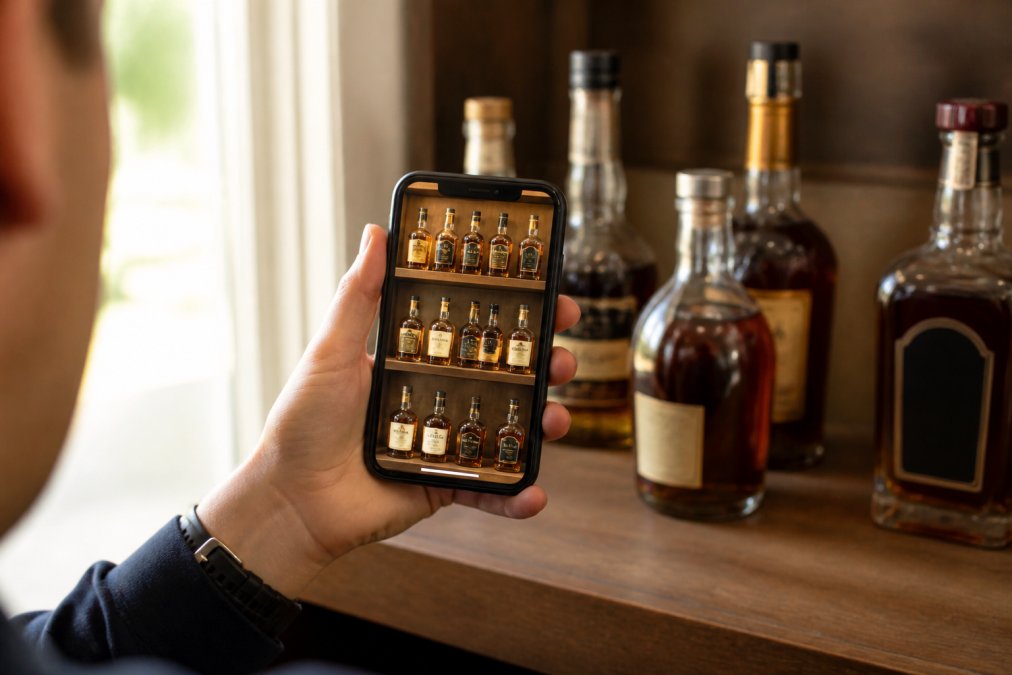
Best Bourbon Collection App 2026: Feature Comparison
The landscape of collection management tools has matured significantly. Each platform approaches the problem differently, some emphasize social features, others focus on AI recommendations, and a few prioritize detailed bottle-specific tracking.
Here's how the leading distiller alternatives stack up:
| App | Best For | Key Strength | Core Limitation |
|---|---|---|---|
| Bourbon Tracker™ | Most collectors | Free, no download, AI recommendations | Limited photo scanning |
| WhiskeyMate | Visual organizers | 300K+ database, AI assistant, statistics | Premium features unclear |
| Whiskey Social | Community seekers | Live social feed, completely free | Early-stage development |
| BarrelBook | Serious collectors | AI label scanning, barrel-level details | Subscription required |
Bourbon Tracker™: Free Collection Management Without Downloads
Bourbon Tracker™ is a strong choice for collectors who want a straightforward, free platform without friction. The no-download requirement matters more than you'd think, it means you're never locked into one device, never managing app updates, and never dealing with storage bloat (nist.gov).
The core strength is simplicity paired with power. You log your bottles, write tasting notes, build a wishlist, and the platform's AI learns your preferences over time. That's it. No overwhelming feature creep. No premium tier that gates essential functions.
What makes Bourbon Tracker™ stand out among distiller alternatives is the integration with the bourbon community. You're not collecting in isolation. You can see what others are drinking, get recommendations based on bottles you've rated highly, and discover new expressions that match your palate profile.
The free model is genuine, no hidden premium tier waiting to trap your data. That transparency is rare in this space and matters when you're investing time logging 100+ bottles.
Pros:
- Completely free with no premium tier
- No download required (web-based access from any device)
- AI recommendations improve as you log more bottles
- Community features built in
- Tasting notes stay organized and searchable
Cons:
- Photo-scanning for label recognition isn't as advanced as some competitors
- Smaller user base than older platforms
WhiskeyMate: AI-Powered Database and Visual Organization
WhiskeyMate takes a different approach. It's a native app (iOS-focused, though web features exist) built for collectors who want rich visual organization and don't mind managing an application.
The database is massive, over 300,000 bottle entries (peer-reviewed research). That means less manual data entry. Search for a bottle by brand, type, or even flavor notes, and WhiskeyMate likely has it catalogued. The app also includes Fitz, an AI assistant that can suggest pours, recommend cocktail recipes, or analyze your collection trends.
The visual component is polished. You build custom collections, tag bottles with photos, and see statistics on ABV distribution, proof averages, and collection value. If you're the type of collector who enjoys the aesthetic side of organizing, shelf photography, visual curation, WhiskeyMate delivers.
The catch is pricing transparency. Premium features exist (PDF export, public menus, advanced statistics), but exact costs aren't listed upfront. You'll need to check the app directly. For some collectors, that friction is annoying enough to eliminate WhiskeyMate from consideration.
Pros:
- Extensive 300K+ database reduces manual entry
- AI assistant (Fitz) for recommendations and insights
- Strong visual organization and statistics
- Supports spirits beyond whiskey
- iOS app is polished and feature-rich
Cons:
- Pricing for premium features is opaque
- Primarily iOS-focused (web features limited)
- Requires app download and management
Whiskey Social: Community-First Collection Tracking
Whiskey Social is the social network for bourbon and whiskey enthusiasts. If your collecting is as much about sharing and community as it is about personal curation, this is the distiller alternative to consider.
The platform combines personal collection tracking with a live social feed. You log your pours, write tasting notes, and immediately see what friends and the broader community are drinking. It's less about the app being feature-rich and more about creating a shared experience around collecting.
The free model is genuine, no premium tier, no paywalls. The platform also includes distillery profiles and bar/venue pages, which adds context beyond just bottle tracking.
The downside is maturity. Whiskey Social is still in early development. The feature set is solid but not as comprehensive as older, more established competitors. If you're betting on a platform for long-term use, you want confidence it'll be around and actively improved in 2027 and beyond.
Pros:
- Completely free with no premium tier
- Strong social and community focus
- Live feed shows what others are drinking in real time
- Distillery and bar information built in
- Available on iOS and Android
Cons:
- Still in early development with features still rolling out
- Smaller database compared to mature competitors
- Less granular collection management than some alternatives
BarrelBook: Photo-Scanning for Serious Bourbon Collectors
BarrelBook is purpose-built for bourbon and whiskey collectors who care about granular details. It's the tool for collectors tracking specific barrel numbers, warehouse assignments, floor locations, mash bills, and store picks.
The killer feature is AI label scanning. Point your phone at a bottle label and BarrelBook extracts the details, proof, barrel info, release date, store pick designation, directly into your digital shelf. For collectors with large collections, this saves hours of manual data entry.
The app is intuitive despite the complexity. You organize bottles by status (unopened, opened, finished), add personal notes and ratings, and can publish your shelf to share with friends. The "Tonight's Pour" feature is clever, it helps you decide what to drink based on mood or occasion.
The trade-off is cost. BarrelBook uses a subscription model for full access. If you have 50+ bottles and care about collector-level details, the subscription is worth evaluating (the NIH). For casual collectors, it might be overkill.
Pros:
- AI label scanning dramatically reduces data entry
- Collector-specific details (barrel, warehouse, floor, mash bill)
- Intuitive interface despite feature density
- "Tonight's Pour" feature helps decision-making
- Shareable shelf for friends and community
Cons:
- Subscription required for full features
- Focused primarily on bourbon (though supports whiskey)
- Higher barrier to entry for casual collectors
How to Organize a Whiskey Collection Across Platforms
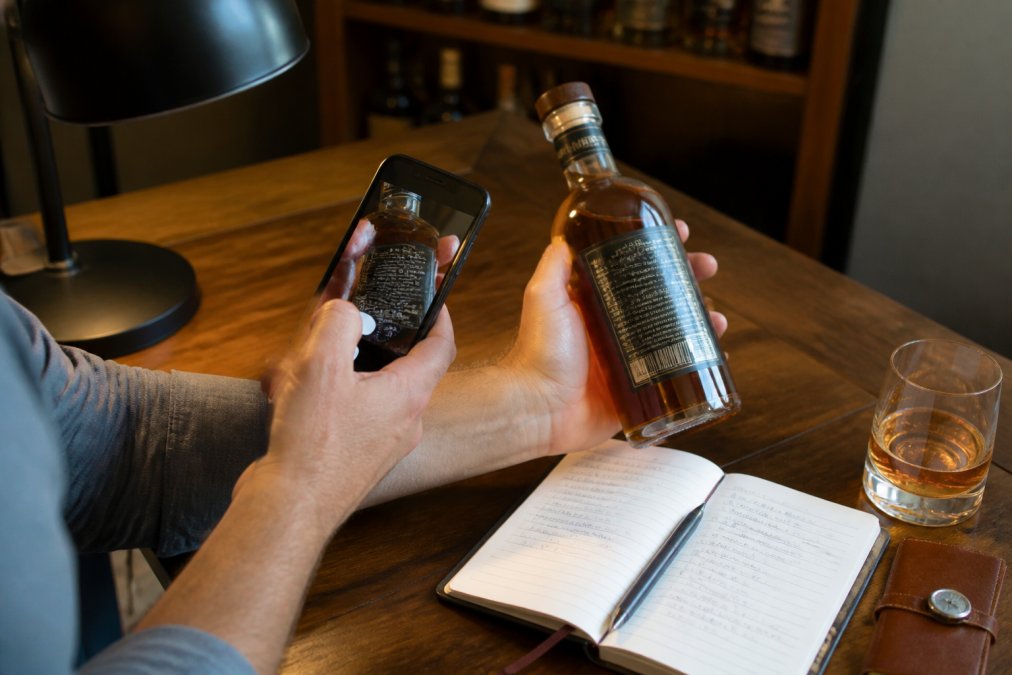
Most collectors don't stick to a single platform. You might use Bourbon Tracker™ for AI recommendations, WhiskeyMate for visual organization, and Whiskey Social for community engagement. Managing bottles across multiple tools requires a system.
Start with a single source of truth. Pick one platform as your primary collection tracker, the place where every bottle gets logged first. This prevents duplicates and confusion. For most collectors, that's either Bourbon Tracker™ (if you prioritize simplicity and AI recommendations) or BarrelBook (if you care about collector-level details).
Once your primary platform is set, decide what secondary tools add real value. If you want community features, add Whiskey Social. If you want visual organization and statistics, add WhiskeyMate. Don't add a tool just because it exists, each additional platform is maintenance overhead.
The practical workflow looks like this: Log new bottles in your primary app first. Include tasting notes, proof, and any collector details that matter to you. Then, if you're using secondary platforms, sync key information. Most apps allow you to export or share collection data, though the process varies.
For tasting notes specifically, keep them detailed in your primary app but brief in secondary platforms. You don't want to write the same note three times. A short version in secondary apps (flavor profile, rating, would-buy-again) is enough.
Organize by storage location if you have bottles in multiple places. Use tags or custom collections to mark "home bar," "investment shelf," "travel bottles," or wherever your collection lives. This matters when you're deciding what to open or what to bring to a tasting event.
Finally, back up your data regularly. Most platforms offer export features, use them quarterly. Your collection data is valuable, both as a record and as a safeguard against platform changes or shutdowns.
Best Bourbon Tasting Note Templates and Tracking Methods
Tasting notes are where distiller alternatives prove their worth. A well-organized note becomes a reference point months later when you're deciding whether to buy another bottle from the same distillery or remembering why you loved a particular expression.
The best template balances detail with speed. You don't want to write a novel every time you open a bottle, but you also don't want notes so sparse they're useless later.
A solid structure includes:
Appearance: Color, clarity, viscosity (legs). Keep it brief, two sentences max. Example: "Deep amber, excellent legs, clear."
Nose: The most important sensory element. Lead with the dominant notes, then secondary notes. Example: "Caramel and oak dominate. Secondary notes of vanilla, black pepper, and a hint of cherry."
Palate: Flavor on the tongue. Texture matters here too. Example: "Smooth entry with caramel and spice. Mid-palate brings oak and leather. Finish is long and warming."
Overall Impression: Rating and context. Would you buy again? How does it compare to similar bottles? Example: "8.5/10. Excellent value for the proof. Prefer this over the standard expression."
The key is consistency. Use the same template every time so you can compare notes across bottles. If you rate one bottle "complex and warming" and another "smooth and approachable," you'll understand the difference when reviewing them months later.
Most distiller alternatives (Bourbon Tracker™, WhiskeyMate, BarrelBook) have built-in note templates. Use them. They're designed to capture the information that matters for collection management.
One practical tip: Rate on a clear scale. Whether you use 1-10, 1-100, or a simple "would repurchase" binary, consistency helps. You'll build a personal reference library that actually guides future purchases.
For serious collectors, add context notes: where you bought it, what you paid, when you opened it, what you paired it with. These details become the story of your collection and often matter more than the tasting profile alone.
Organizing a bourbon or whiskey collection requires the right tools, but the best distiller alternative depends on your priorities. If you want simplicity, AI recommendations, and a genuinely free platform, Bourbon Tracker™ is a strong choice. If you need visual organization and a massive database, WhiskeyMate delivers. If community matters most, Whiskey Social is worth exploring. And if you're a serious collector tracking barrel-level details, BarrelBook's AI scanning justifies the subscription.
Start with Bourbon Tracker™ and add secondary platforms only if they solve a real problem in your collecting workflow. Track your collection consistently, write detailed tasting notes, and back up your data regularly. Your future self will thank you when you're browsing your digital shelf and remembering exactly why you loved that bottle.
Frequently Asked Questions
Q: What's the difference between a distiller alternative and a basic bottle tracker?
A: A distiller alternative is specifically designed for bourbon and whiskey collectors, offering features like AI-powered recommendations, tasting note templates, and community sharing. Basic trackers focus only on inventory counts. The best bourbon collection app 2026 combines collection management with personalized suggestions based on your palate preferences and tasting history, making it easier to discover new bottles that match your taste profile.
Q: Can I use these apps to track large collections over 150 bottles?
A: Yes, most modern distiller alternatives handle large collections without performance issues. Apps like WhiskeyMate support databases of over 300,000 spirits entries, and Bourbon Tracker™ processes collections of any size through its cloud-based platform. The key is choosing an app with robust search and filtering options so you can quickly locate specific bottles by brand, proof, or barrel number within your inventory.
Q: How do I choose the best bourbon tasting note templates for my collection?
A: Look for templates that capture details relevant to bourbon collecting: nose, palate, finish, proof, barrel number, and personal rating. Apps like BarrelBook and Bourbon Tracker™ provide structured templates that guide you through consistent note-taking, helping you build a database you can reference when deciding what to pour next or when hunting for similar bottles.
Q: Are these apps really free, or will I hit a paywall later?
A: It depends on the app. Bourbon Tracker™ is completely free with no premium tier. Whiskey Social is also fully free. WhiskeyMate and BarrelBook offer free tiers but charge for premium features like PDF export or advanced sharing options. Check each app's pricing model before investing your collection data. Most free tiers include core features like collection logging, tasting notes, and basic recommendations, so you can evaluate before committing to a paid plan.
Q: Which distiller alternative is best for organizing a whiskey collection with community features?
A: Whiskey Social excels at community interaction, letting you follow friends, share your collection, and see what others are drinking in real time. If you want both community features and AI recommendations, Bourbon Tracker™ combines free collection management with bourbon community integration. BarrelBook offers shareable shelves so you can publish your collection to friends, though its focus is more on individual organization than social interaction.
This article was written using GrandRanker
Frequently Asked Questions
Q: What's the difference between a distiller alternative and a basic bottle tracker?
A: A distiller alternative is specifically designed for bourbon and whiskey collectors, offering features like AI-powered recommendations, tasting note templates, and community sharing. Basic trackers focus only on inventory counts. The best bourbon collection app 2026 combines collection management with personalized suggestions based on your palate preferences and tasting history, making it easier to discover new bottles that match your taste profile.
Q: Can I use these apps to track large collections over 150 bottles?
A: Yes, most modern distiller alternatives handle large collections without performance issues. Apps like WhiskeyMate support databases of over 300,000 spirits entries, and Bourbon Tracker™ processes collections of any size through its cloud-based platform. The key is choosing an app with robust search and filtering options so you can quickly locate specific bottles by brand, proof, or barrel number within your inventory.
Q: How do I choose the best bourbon tasting note templates for my collection?
A: Look for templates that capture details relevant to bourbon collecting: nose, palate, finish, proof, barrel number, and personal rating. Apps like BarrelBook and Bourbon Tracker™ provide structured templates that guide you through consistent note-taking, helping you build a database you can reference when deciding what to pour next or when hunting for similar bottles.
Q: Are these apps really free, or will I hit a paywall later?
A: It depends on the app. Bourbon Tracker™ is completely free with no premium tier. Whiskey Social is also fully free. WhiskeyMate and BarrelBook offer free tiers but charge for premium features like PDF export or advanced sharing options. Check each app's pricing model before investing your collection data. Most free tiers include core features like collection logging, tasting notes, and basic recommendations, so you can evaluate before committing to a paid plan.
Q: Which distiller alternative is best for organizing a whiskey collection with community features?
A: Whiskey Social excels at community interaction, letting you follow friends, share your collection, and see what others are drinking in real time. If you want both community features and AI recommendations, Bourbon Tracker™ combines free collection management with bourbon community integration. BarrelBook offers shareable shelves so you can publish your collection to friends, though its focus is more on individual organization than social interaction.