 listicle
Track Bourbon Bottles Without Spreadsheets
Table of Contents
- Why Manual Spreadsheets Fall Short for Bourbon Collections
- Best Whiskey Inventory Apps for Serious Collectors
- Whiskey Tasting Notes App Features That Matter
- How to Organize Home Liquor Inventory Effectively
- Comparing Tracking Methods: Apps vs. Spreadsheets vs. Manual Systems
- Key Data Fields Every Bourbon Tracking System Needs
- Data Privacy and Security for Your Collection
- Getting Started: Your First Steps to Track Bourbon Bottles
Last Updated: August 11, 2026
Why Manual Spreadsheets Fall Short for Bourbon Collections
Spreadsheets were never designed for collections. They're flat, static, and demand constant manual updates. Scale that to 50, 100, or 150 bottles, and spreadsheets become a liability. The real problem is choosing between completeness and usability: track everything and navigation becomes a chore, or keep it simple and lose granular details serious collectors need.
Modern inventory apps solve this by separating data entry from data viewing. Log a bottle once with all details you want, then the app organizes, visualizes, and recommends based on what you've entered. For collectors managing allocated and rare bottles, tracking purchase price versus market value over time is critical, spreadsheets make this painfully manual. Apps handle it automatically, flagging bottles that have appreciated significantly.
Best Whiskey Inventory Apps for Serious Collectors
Purpose-built platforms now understand what bourbon collectors need. Each takes a different approach, and the right one depends on whether you prioritize community engagement, detailed analytics, or simplicity.
Bourbon Tracker: Free, Community-Driven Tracking
Bourbon Tracker™ is a comprehensive, free digital platform designed specifically for bourbon and whiskey enthusiasts. It tracks your bottles, logs tasting notes, and delivers AI-powered recommendations tailored to your palate. The platform integrates community features, so you're part of a broader network of collectors sharing reviews and curating wishlists.
The standout feature is the AI recommendation engine. Rather than generic suggestions, Bourbon Tracker™ learns your preferences from your tasting notes and collection history, then suggests bottles you're likely to enjoy. Because it requires no download, you access your collection from any device with a browser. Your inventory stays synced whether you're at home managing your full collection or at a bar checking your wishlist. The free tier is genuinely unrestricted, no hidden premium features, no artificial limits on bottle count.
Pour Picks: AI Label Reading and Cellar Management
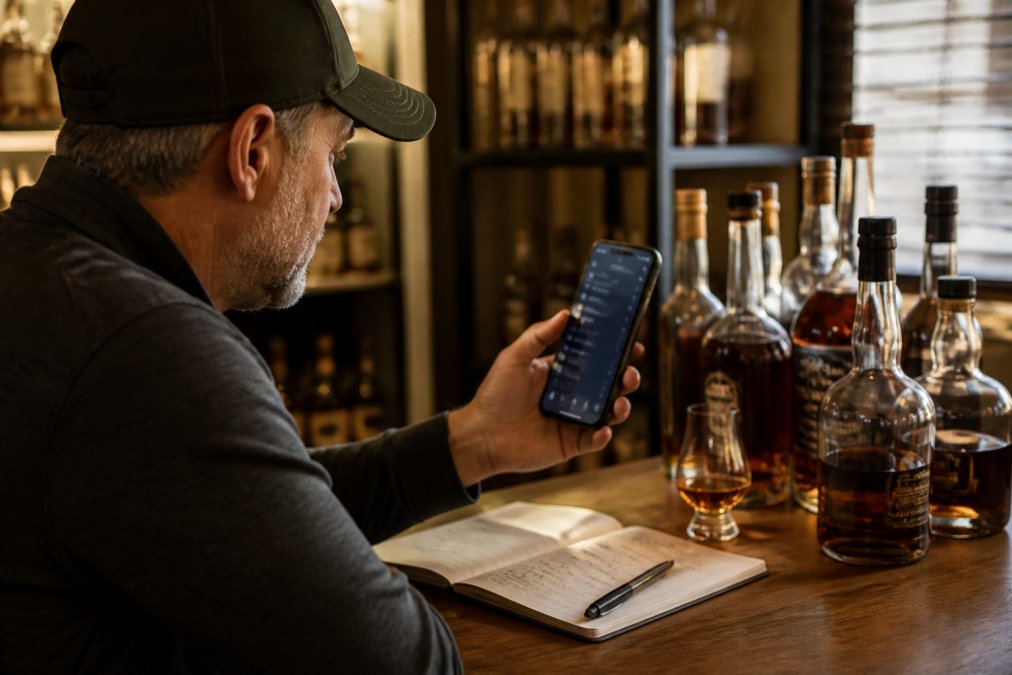
Pour Picks focuses on what serious collectors care about most: tracking what you own, what you've opened, and what you've finished. The AI label reading uses Claude Vision to scan bottle labels, point your phone at a bottle and it extracts key details automatically, cutting data entry time dramatically.
The cellar-aware pour recommendations suggest what to pour from your collection right now based on your preferences. Purchase price and value tracking over time means you can watch your collection appreciate. For collectors treating bourbon as an investment, this matters. The free tier includes 10 scans plus full cellar access and a palate quiz. The subscription at $2.99/month unlocks unlimited scans and deeper analytics.
WhiskeyMate: Comprehensive Database and Statistics
WhiskeyMate is built for collectors who want exhaustive detail. The database contains over 300,000 bottle entries, so most bottles you own are already cataloged with full specifications. The app tracks front and back photos, brand, type, vintage, barrel, batch, bottle number, ABV, proof, volume, fill level, price, and personal notes.
The advanced statistics feature visualizes your collection in ways spreadsheets can't. See your average proof across the collection, track ABV distribution, or watch how your collection value trends over time. Fitz, the in-app AI assistant, provides recommendations, cocktail recipes, and food pairings. WhiskeyMate offers a free tier with in-app purchases available for premium features.
Whiskey Collection Tracker: Detailed Pour Tracking
Whiskey Collection Tracker is built for home collectors who want to meticulously log every aspect of their bottles and every pour they take. The pour tracking is its defining feature, mark bottles as open, then log each dram with fill level tracking. Over time, you build a complete history of how much you've consumed from each bottle.
The app organizes bottles into custom shelves and maintains a hunt list for bottles you're seeking. Whiskey Collection Tracker operates as a private, offline-first tool. Your data stays on your device unless you choose to sync it, appealing to collectors concerned about privacy. The freemium model includes in-app purchases.
BarrelBook: Photo-Based Entry for Fine Details
BarrelBook takes a photo-first approach to data entry. Snap up to three photos of each bottle, front label, back label, and unique identifiers, and the app stores these alongside detailed metadata: brand, release, proof, size, store picks, barrel and bottle numbers, warehouse, floor, batch and lot information.
This approach is ideal for collectors with rare bottles, limited releases, or store picks where barcode scanning won't capture unique details. The digital shelf organizes your collection, and you can track bottle status: unopened, opened, finished, or archived. Syncing across Apple devices keeps your collection updated, though the app is limited to iOS. BarrelBook operates on a freemium model with in-app purchases.
Whiskey Tasting Notes App Features That Matter
Look for apps that separate nose, palate, and finish. This structure helps you develop tasting vocabulary and notice patterns in what you enjoy. A simple 1-5 or 1-10 rating scale lets you quickly rank bottles and spot your favorites.
The best apps let you add photos of the pour itself, the color, and the liquid level in the glass. Visual memory is powerful, and these photos help you recall your experience months later. Search and filtering capabilities matter more than they initially seem. If you can't quickly find all bottles you rated above 8 or all bottles from a specific distillery, your notes become less useful. Apps that let you search by flavor profile, proof range, or price point turn your notes into a discovery tool.
How to Organize Home Liquor Inventory Effectively
Organization starts with deciding what you actually want to track. Are you managing a home bar with bottles you're actively drinking from, or archiving a collection for appreciation or investment?
For active home bars, organize by what you reach for most. Keep your go-to spirits at eye level, organized by category: bourbon, rye, scotch, other. For collections focused on appreciation or investment, organize by distillery and expression. Group all bottles from Buffalo Trace together, then organize by specific releases within that distillery.
Physical location matters. If you're tracking a large collection across multiple shelves or storage areas, your app should let you note where each bottle lives. For allocated and rare bottles, create a separate "allocated" shelf or tag. Temperature and light matter for storage, bourbon stays stable in cool, dark conditions, ideally between 50-65°F.
Comparing Tracking Methods: Apps vs. Spreadsheets vs. Manual Systems
| Method | Setup Time | Ongoing Effort | Data Accuracy | Visualization | Best For |
|---|---|---|---|---|---|
| Spreadsheet | 30 minutes | High (manual updates) | Prone to errors | Limited (basic charts) | Small collections under 20 bottles |
| Manual notes | 5 minutes | Very high (constant rewriting) | Poor (memory-dependent) | None | Casual tracking only |
| Dedicated app | 10 minutes | Low (auto-sync, scanning) | High (structured data) | Excellent (dashboards, analytics) | Serious collectors 50+ bottles |
| Cloud database (Airtable) | 1-2 hours | Medium (flexible but requires maintenance) | High (relational data) | Good (custom views) | Tech-savvy collectors wanting customization |
Spreadsheets work for small collections because the overhead is manageable. With 15 bottles, updating takes minutes. With 150 bottles, it becomes a chore. Apps shift that burden, they're designed to handle scale without additional effort.
Dedicated apps win for serious collectors because they're built around the specific task. They handle scanning, auto-sync, and analytics without requiring you to set up formulas or maintain structure. For most bourbon collectors, a dedicated app is the sweet spot: fast setup, effortless ongoing use, and purpose-built features.
Key Data Fields Every Bourbon Tracking System Needs
A solid tracking system captures the essentials without overwhelming you with options.
Essential fields: Distillery and expression name are non-negotiable. Proof and ABV define the character of the bourbon. Bottle count tells you how many you have.
Financial tracking: Purchase price helps you understand your spending patterns. Market value shows what your collection is worth today.
Consumption tracking: Fill level tells you how much is left in opened bottles. Tasting notes capture your experience.
Organization fields: Location helps you find bottles physically. Wishlist status tracks what you're seeking.
Start with essentials: distillery, expression, proof, purchase price, and tasting notes. Add fields only when you realize you actually need them. Apps like Bourbon Tracker™ and Pour Picks structure these fields intelligently so you're not overwhelmed.
Data Privacy and Security for Your Collection
Your collection data is personal and valuable, both financially and as a record of your preferences. Understand where your data lives. Apps that sync to cloud servers offer convenience but require trust in the provider's security practices. Apps that store data locally keep your collection private but limit access to that single device.
Bourbon Tracker™ handles data securely as a web-based platform. Check whether the app allows you to delete your account and all associated data. Consider what data the app collects beyond your collection. If privacy is a priority, look for apps that are transparent about data collection and don't sell user data to third parties.
For valuable collections, consider whether you want your data encrypted end-to-end. If you're exporting data for insurance purposes, make sure your app supports exporting in a usable format.
Getting Started: Your First Steps to Track Bourbon Bottles
Starting a tracking system is simpler than most people think. The key is momentum, get your bottles logged quickly, then refine as you go.
Step 1: Choose your platform. If you have more than 20 bottles or plan to grow your collection, an app saves time and effort. If you have fewer than 20 bottles and no plans to expand, a spreadsheet works fine.
Step 2: Set up your account. For apps, this takes minutes. For spreadsheets, create basic columns: distillery, expression, proof, purchase price, date acquired, tasting notes.
Step 3: Start logging bottles. Don't aim for perfection. Get your bottles into the system first with basic information: what it is and what you paid. You can add details like batch numbers or fill levels later.
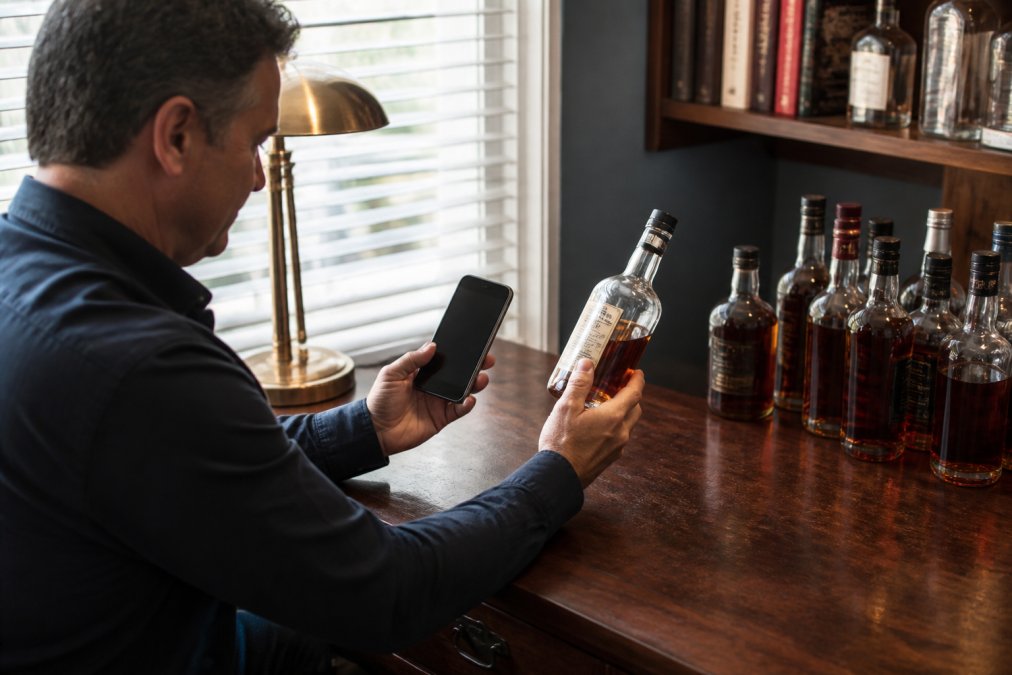
Step 4: Use scanning or photos where available. If your app supports barcode scanning or label reading, use it. This cuts data entry time dramatically.
Step 5: Add tasting notes as you drink. When you open a bottle, log your tasting notes. Nose, palate, finish, and a simple rating take two minutes. Over time, these notes become invaluable.
Step 6: Review and refine monthly. Once a month, spend 10 minutes reviewing what you've logged. Are you capturing the data you actually want? This quick review keeps your system current.
For serious collectors with 100+ bottles, the first logging session takes a few hours. But you only do it once. After that, you're just maintaining, adding new bottles as you acquire them, updating tasting notes as you drink.
Bourbon Tracker™ makes this process frictionless. The AI-powered recommendations kick in as soon as you've logged a few bottles. The community features mean you're not tracking in isolation.
The biggest mistake people make is waiting for the "perfect" system before starting. Start with what you have, log your bottles, and refine as you learn what you actually need. A 70% complete system you actively use beats a 100% complete system you never touch.
Tracking your bourbon collection matters more than most hobbyists realize. A well-organized inventory transforms collecting from a memory game into a real asset management practice. You know what you own, what you've paid, what it's worth, and what you've actually enjoyed drinking.
The difference between a spreadsheet and a purpose-built app is the difference between storing data and actually using it. Apps like Bourbon Tracker™ turn your collection into an engaging experience, you log bottles, get recommendations tailored to your palate, and connect with other collectors. Track your collection with Bourbon Tracker™ and discover new whiskeys you'll actually enjoy based on what you already love.
Frequently Asked Questions
What's the best app for tracking a whiskey collection?
The best app depends on your priorities. Bourbon Tracker offers free, community-driven tracking with AI recommendations and no downloads needed. Pour Picks excels at cellar management with AI label reading. WhiskeyMate provides the most detailed statistics and a massive bottle database. For serious collectors tracking rare bottles and batch numbers, BarrelBook's photo-based entry captures granular details spreadsheets can't match. Choose based on whether you prioritize community features, detailed statistics, or ease of data entry.
Can I track bourbon bottles without downloading an app?
Yes. Bourbon Tracker requires no download, it's a web-based platform accessible from any browser. Airtable also works as a web app without downloading. However, most dedicated bourbon tracking tools (Pour Picks, WhiskeyMate, BarrelBook) require mobile app downloads for full functionality. If you prefer browser-only solutions, Bourbon Tracker and Airtable are your primary options for tracking bourbon bottles without spreadsheets.
How do I track tasting notes without a spreadsheet?
Dedicated whiskey tasting notes apps let you record nose, palate, finish, and ratings for each bottle. Pour Picks and Whiskey Collection Tracker both include structured tasting note fields. WhiskeyMate's AI assistant (Fitz) can suggest food pairings and recipes based on your notes. Bourbon Tracker integrates tasting notes with community features, letting you compare your impressions with other collectors. Most apps store notes directly to each bottle's profile, making it easy to reference your impressions later.
What data should I track for each bourbon bottle in my collection?
Essential fields include brand, distillery, expression, proof/ABV, bottle number, batch/barrel number, purchase price, and fill level. Advanced collectors also track warehouse location, floor, store pick designation, and acquisition date. Tasting notes (nose, palate, finish, rating) help you remember impressions. For investment-focused collections, market value and secondary market pricing matter. Apps like WhiskeyMate and BarrelBook support all these fields, while Bourbon Tracker focuses on the core tracking and tasting data most collectors need.
This article was written using GrandRanker